
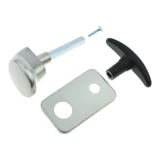
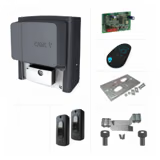
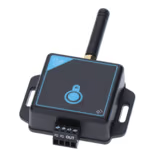
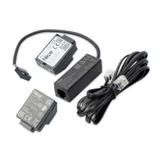
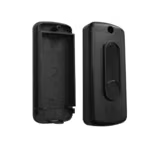

Came R800 card for connecting a keypad
- Came plug-in card for the control unit for connecting a wired keypad
- Only for Came control units with an R700/R800 connector, mostly manufactured from 2019
- The keypad must be bought separately, for example S5000, S6000, S7000 or SELT1BDG
Call us, we will help you choose the right part or accessory.
+421 903 628 111Mon–Fri 8–16, also WhatsApp and ViberDescription
The Came R800 card plugs into the control unit of a gate or barrier operator. It lets you connect a keypad to it by cable. The control unit then evaluates the entered code itself; no separate decoder is needed.
Which control units
For Came control units with an R700/R800 connector, for example the ZN7 in BXV operators, ZL65B, ZL39B in GARD barriers, GARD LT4 and LS4 barrier control units, VER Plus operators and the RBE4024 receiver. With an older unit, check whether it has the connector.
Wiring and storing the code
- With the power supply and battery disconnected, connect the keypad. You can connect up to 5 S5000, S6000 or S7000 keypads in parallel.
- Insert the R800 card only after wiring. The R700 and R800 cards use the same connector.
- If the unit requires it, set function F14 = 1 (R800), for example on the VER Plus and ZL39B.
- Enter the code on the keypad, without waiting more than 10 seconds between digits, and press E.
Keypads: surface-mounted Came S7000, flush-mounted Came S6000 and backlit Came SELT1BDG. For a card reader there is the R700 card. Send questions about compatibility to eshop@saver.sk.
Specifications
| Weight | 20 g |
